


The holidays compress demand into a few intense days: Christmas Eve, New Year’s Eve, office parties, school breaks. Many pizzerias see 2–3× normal volume in a tight window — and if you don’t plan ahead, that volume turns into chaos.
The shops that handle it best all do the same things: they communicate early, set expectations clearly, and use their POS + online ordering to control the rush instead of just reacting to it.
Here’s what we recommend to FoodTec customers.
What Holiday Email Campaigns Should You Run?
Email is still your main “planning ahead” channel. The big key: Start talking about your holiday schedule ~2 weeks before each major closure or peak day.
“Holiday Hours + Ordering Info” (2 Weeks Out + Reminder)
Send:
- First email about 2 weeks before the holiday
- Second reminder 3–5 days before
Answer clearly:
- What days you’re open and closed
- Whether online ordering will be open
- Any early cutoffs (e.g., “Last pickup slot is 6:30 pm”)
You can also reassure customers you are open: “We’ll be open right through Dec 23 — get your holiday orders in early.”
If you’re closing early, be direct and friendly: “We close at 1 pm on Christmas Eve — come celebrate with us for lunch!”
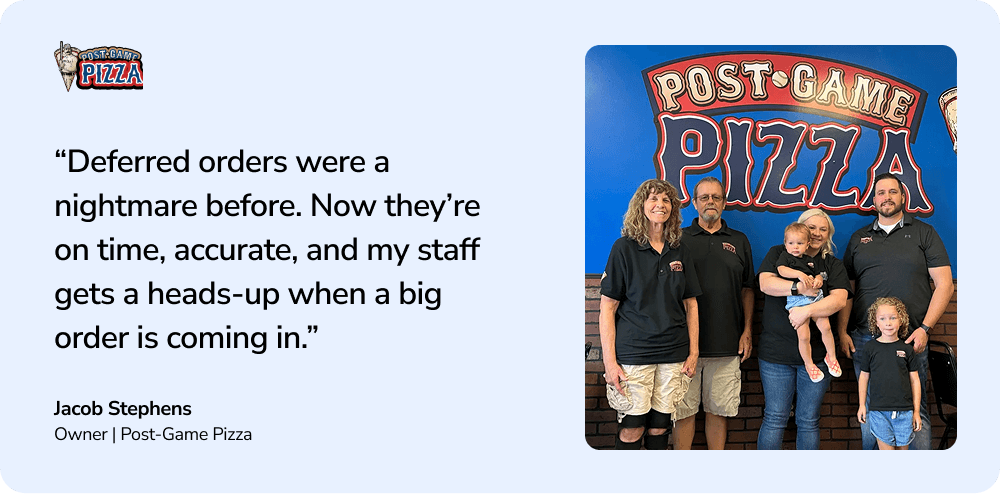
“Order Early / Deferred Orders”
If you do a lot of catering, tell people plainly to order ahead and give them a time frame: “For party trays and platters, please order 24–72 hours in advance.”
“Deferred orders available — schedule your pickup now and skip the rush.”
That’s exactly what you want going into the holidays.
How Should You Use SMS Text Messaging During the Holidays?
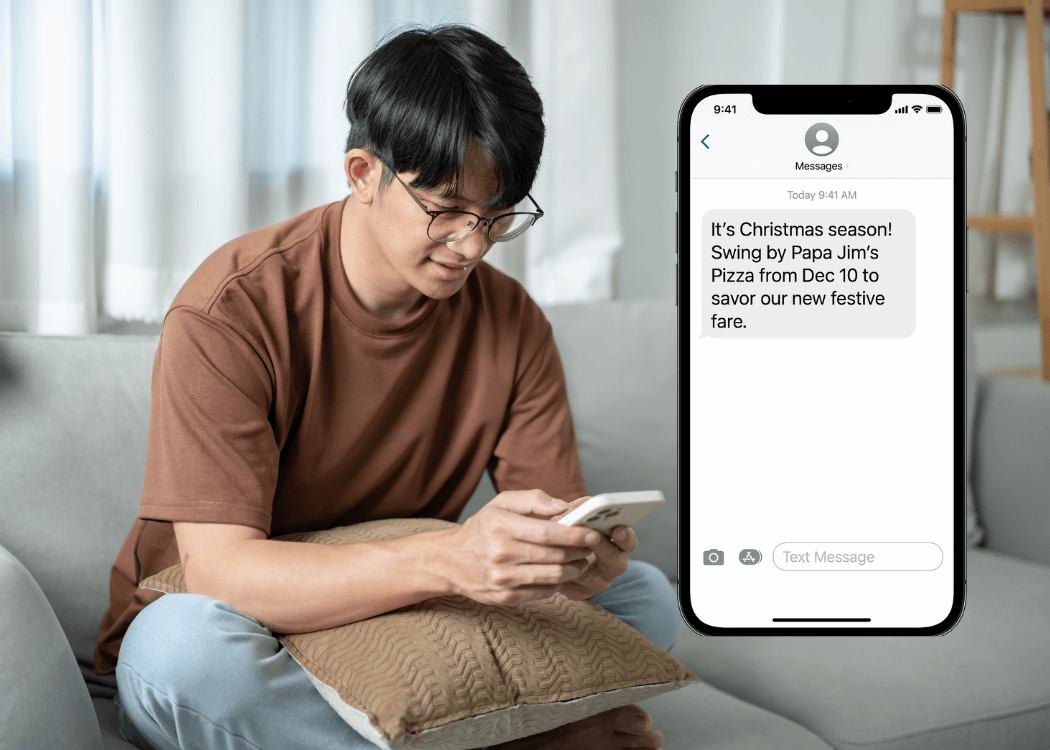

SMS is perfect for short, time-sensitive messages — not long promos. Use it sparingly and with a clear purpose.
A Good Holiday SMS Example:
Season kickoff (early December): “It’s Christmas season! Swing by Pizza Pizza from Dec 10 to savor our new festive fare. Who’s in?”
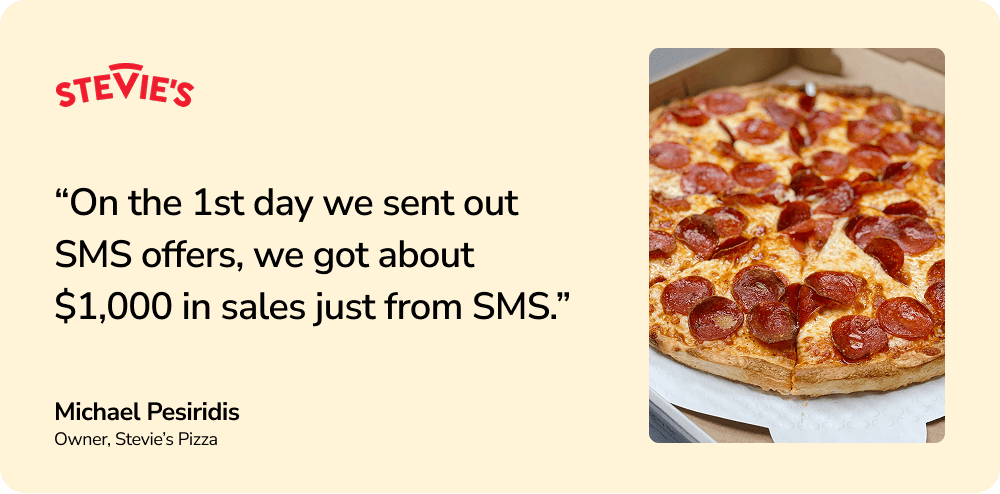
Done right, SMS moves real dollars.

What Operational Settings Should You Adjust in the POS?
1. Set a Realistic Promise Time
During the holidays, your standard 25–30 minute estimate often isn’t realistic.
If your POS is currently leveraging dynamic promise times, it will adjust automatically based on certain performance indicators:
- Number of orders in the cue
- Kitchen production
- Driver and delivery capacity
Guests are fine with longer waits if you tell them up front. Missed expectations are what hurt.
2. Add a Notice Period for Large Orders
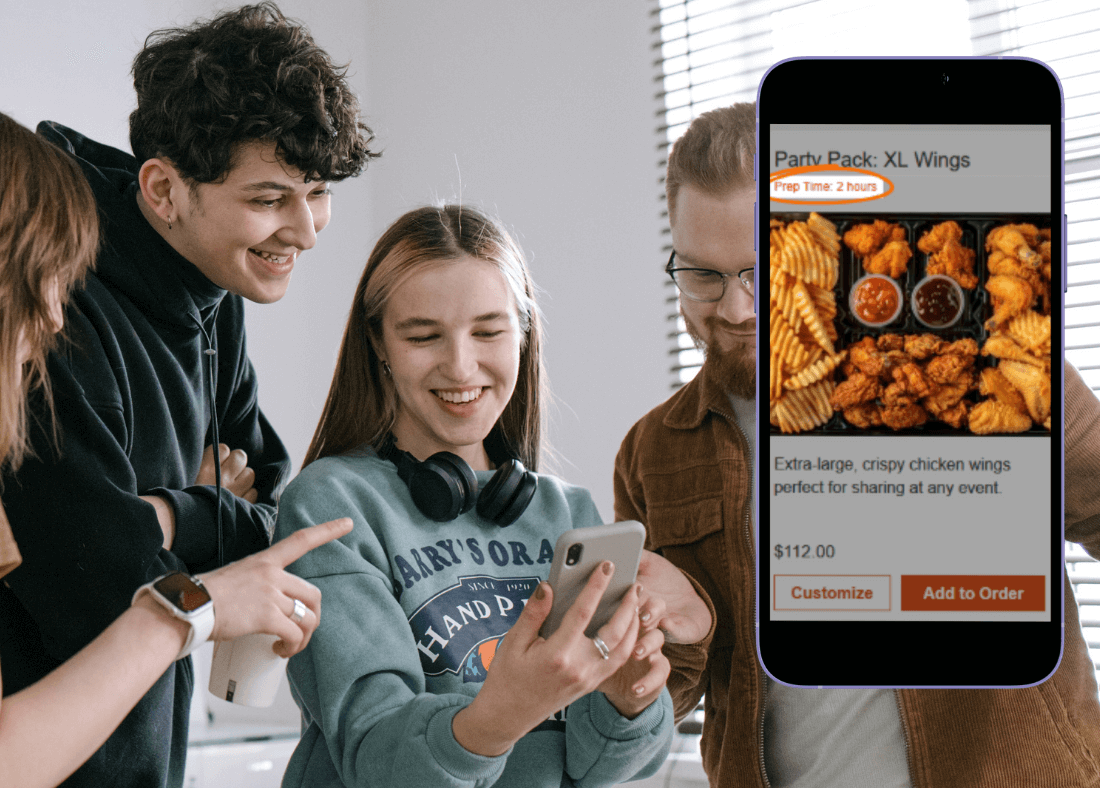

If you expect a lot of catering orders, set a notice period (e.g., 24–72 hours) for:
- Trays
- Wings
- Sandwich platters
- Big party pizza orders
For FoodTec customers, this is simple: your Customer Service Rep can help you. You just provide dates and rules (e.g., “any order over $X or more than Y pizzas needs 24 hours’ notice”).

How Should You Handle Holiday Closures Online?
This is one of the most common questions we get.
1. Set Closed Dates in the POS
Start by making sure your store calendar in the POS matches reality: which days you’re closed, and any early cutoffs.
2. Announce Closures in Online Ordering (Plus a Visual Cue)
Next, make sure your web ordering hours line up with your POS.
We recommend two things:
- A banner that appears on the day itself: “Web ordering is closed today.”
- A simple photo or graphic on the ordering page leading up to the holiday that says something like: “Closed Dec 24–25. Online ordering resumes Dec 26.”
The visual is often what customers remember.
3. Send One Last Reminder
The day before you’re closed, send a final short email: “Reminder: We’ll be closed Dec 24–25 — place your weekend orders today.”
How to Close Your Store for the Holidays (in the POS)
If you’re closing for Christmas, New Year’s Eve, or any short vacation period, make sure your POS store hours and calendar match your real-world schedule. Here’s how to do it:
Add a Store Closure to the Calendar
- Go to Edit → Edit Other → Edit Calendar Events
- Select New
- Choose Store Close
- Enter an event name (e.g., “Christmas”)
- Choose the Start Date and closing time
- If you’re closed multiple days, set an End Date
- Add a friendly customer message (e.g., “We’re closed for the holiday — see you soon!”)
You can schedule these closures as far in advance as you like.
Adjust Your Store Hours (If Needed)
In some versions of Pizza Director (v6, v7, and partial-day closures in v8), you also need to update store hours:
- Go to Edit → Edit Other → Edit Store Hours
- Mark affected days as Closed All Day, or
- Adjust the open/close times if you’re opening late or closing early
Remember to reset your regular hours after the holiday — otherwise the adjusted hours will remain in effect every week.

Final Thoughts: Holiday Planning = Less Chaos
Holiday success isn’t luck — it requires communication and preparation.
If you want to:
- Reduce last-minute surprises
- Keep deferred orders on time
- Set clear expectations for hours and wait times
- Turn holiday traffic into repeat business
FoodTec gives you the tools to do it — from online ordering and scheduling to SMS and email campaigns, all tied back to your POS.